Local-first, fully offline
Your data lives in a local SQLite file — the single source of truth. The web app runs completely offline; no external account, nothing leaves your machine.
Open source · Local-first · Privacy by design
BBT tracks your bank records, spending and trades for tax reporting and budget monitoring. It runs fully offline on your own machine, encrypts the database at rest, and lets you bring your own AI to parse bank statements — no vendor lock-in, nothing sent to external service provider.
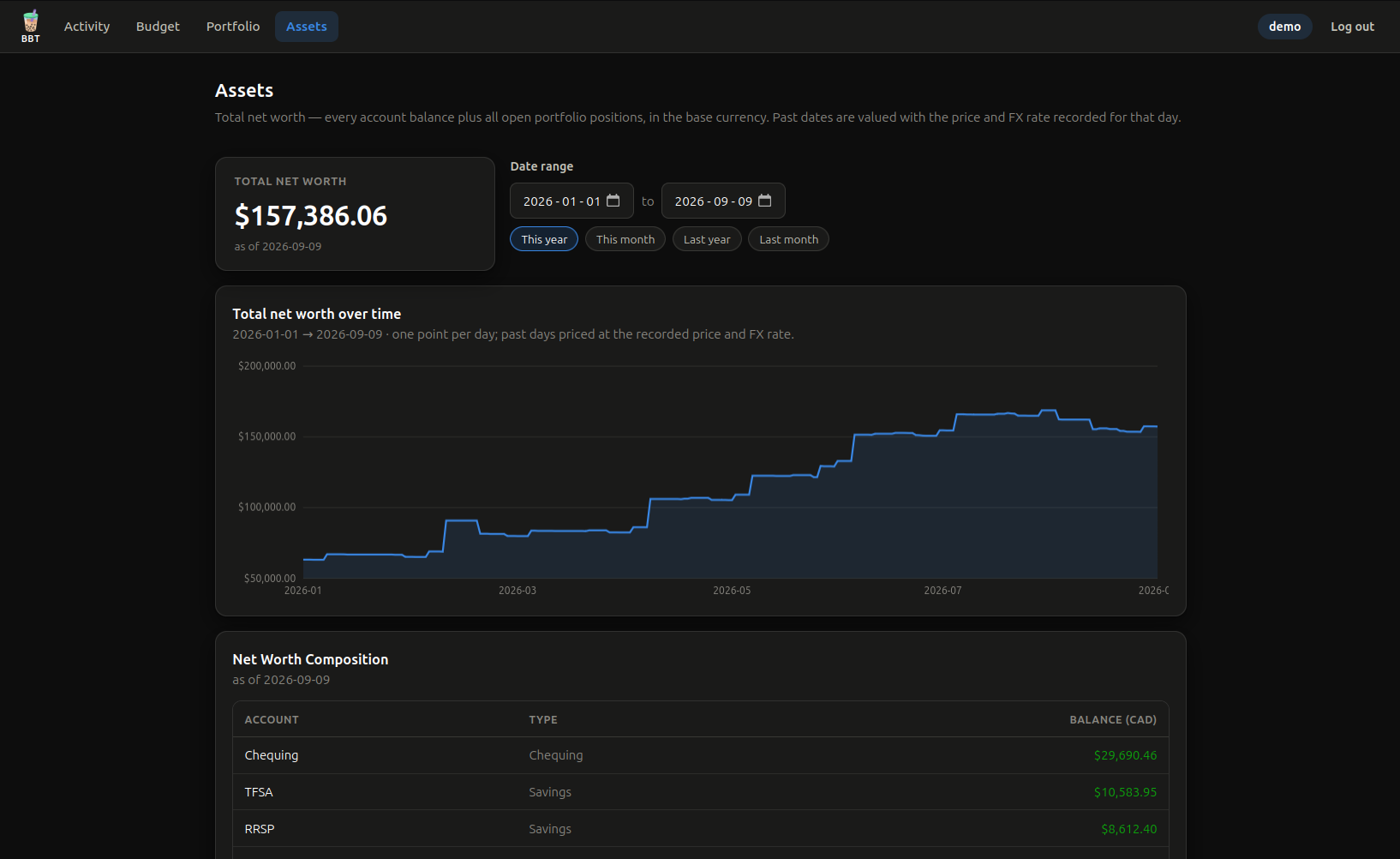
BBT was built to utilize a small footprint with less complexity
The app keeps a clear, straightforward interface. In addition to keeping tabs on spending, BBT pairs everyday budgeting with stock portfolio tracking in a single place.
A record-tracking app built around information you actually care — and to keep an eye on spending all year.
Your data lives in a local SQLite file — the single source of truth. The web app runs completely offline; no external account, nothing leaves your machine.
The database is encrypted at rest (AES-256), exportable using your own secret. Passwords are hashed, never plaintext.
Import PDF bank statements with AI — plug in any OpenAI-compatible endpoint (OpenAI, a local llama-server, etc.). Switch providers anytime; *Optional - Because a non-local endpoint does send your statements off-device, it's a trade-off to weigh yourself — local endpoints keep everything private.
Accounts and transactions in their own currency, valued at live exchange rates with a 30-minute cache. Foreign accounts revalue across screens using consistent rules.
Plan and track spending by category for any date range — with monthly budget goals to allocate a target spend share per category — plus a total net-worth line: every account balance plus open portfolio positions, in your base currency.
Stock holdings and completed round-trips derived from brokerage trades, with live quotes, P&L and holding days. *Portfolio tracking currently has a few limitations: it doesn't query option prices, multi-exchange listed ticker, or flag short-duration wash sales.
Optionally push a one-way backup to PostgreSQL, or export a portable, passphrase-encrypted copy. Snapshots are always restorable — import or restore in milliseconds.
Host it on your own server as a web app on localhost, or compile as a standalone desktop app on Windows, Linux or macOS. Build from source or download the Windows Store app.
No cloud setup, no subscription. Clone, run, and start importing.
git clone the repo
npm install
copy & edit .env file and set a ADMIN_PASSWORD & SESSION_SECRET
then npm run setup to create the database and first admin.
npm start
opens http://localhost:3000.
Sign in, create accounts, categories and transactions — or run npm run demo for sample data.
Upload PDF statements for AI-assisted import, or drop in a hand-prepared CSV. Review the editable preview, then save.
BBT has no automated bank or brokerage sync, so the first import is a manual, one-time effort — not a setup bug. Everything stays local and under your control.
Activity, budget, portfolio and net worth — a simple single page application.
(Screenshots shown with the desktop app's window chrome.)
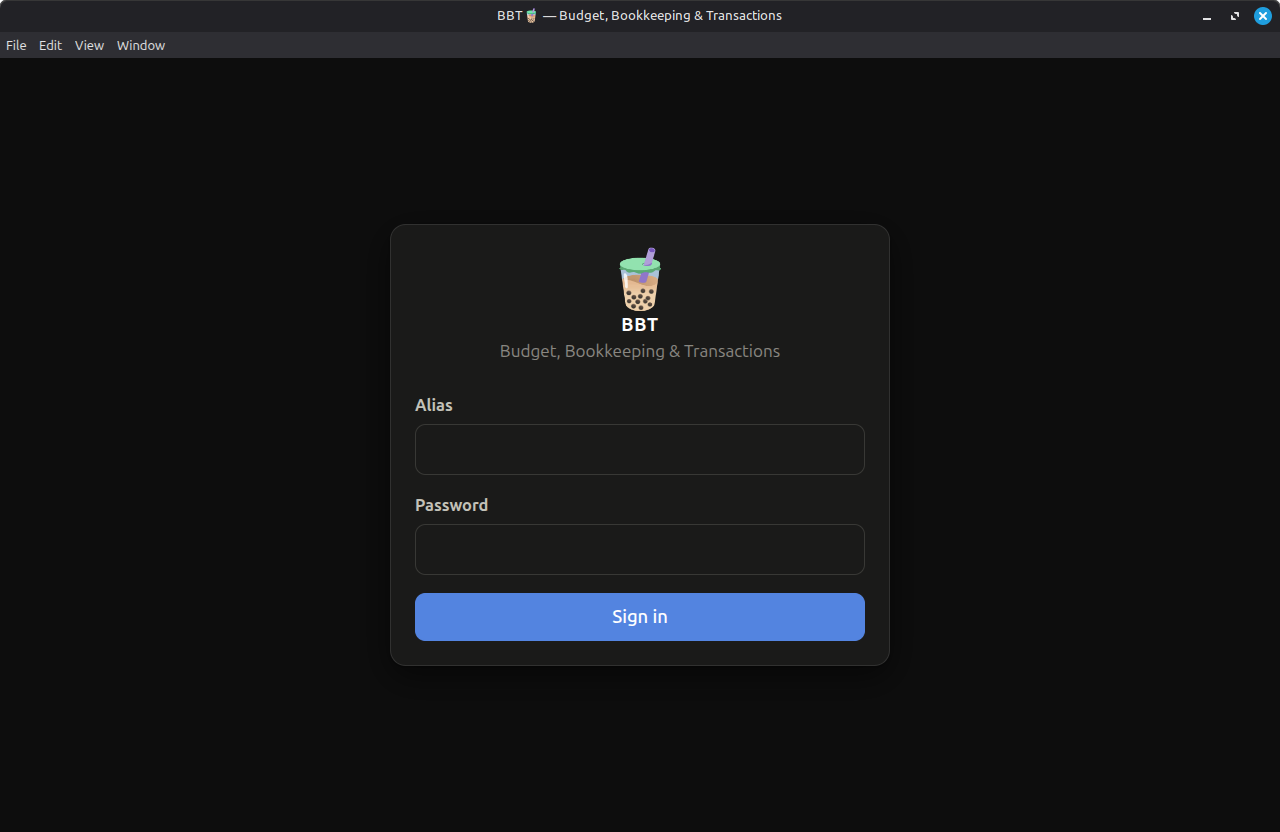
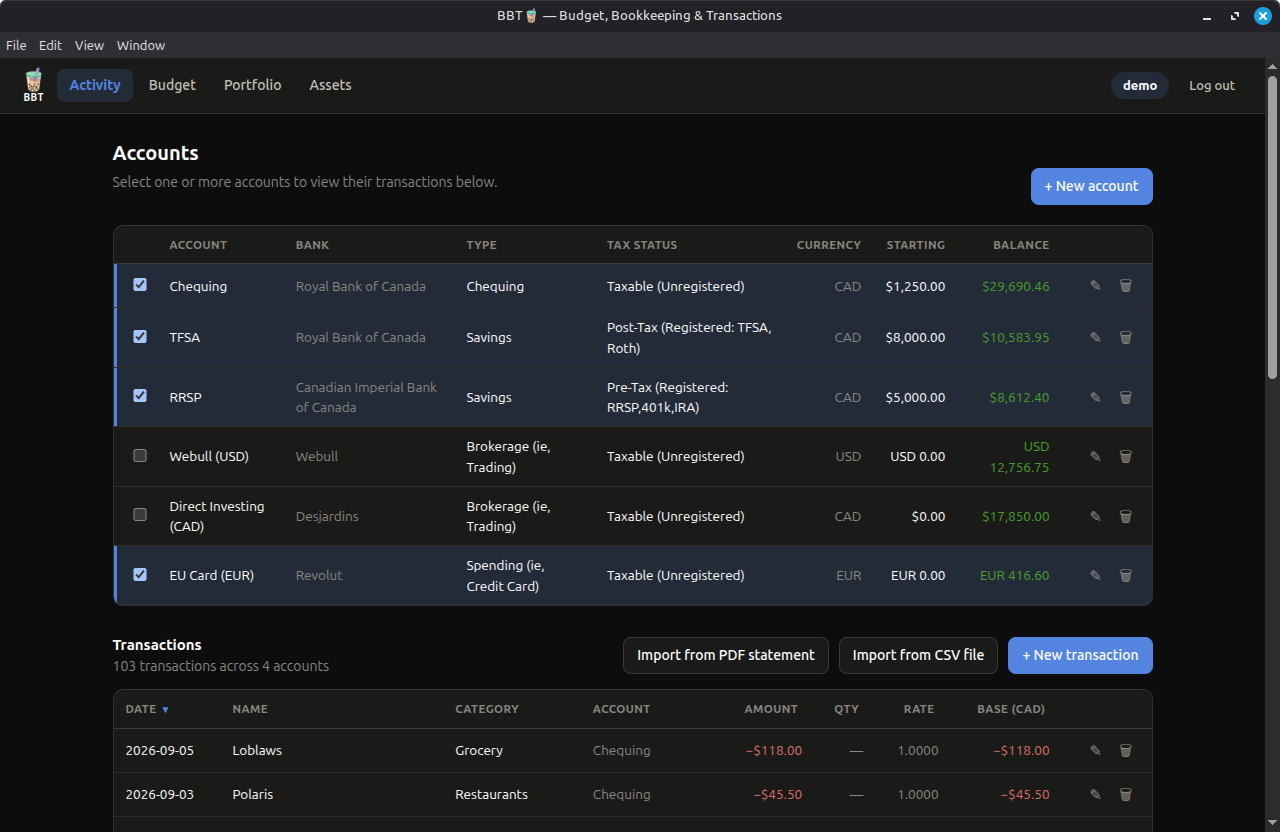
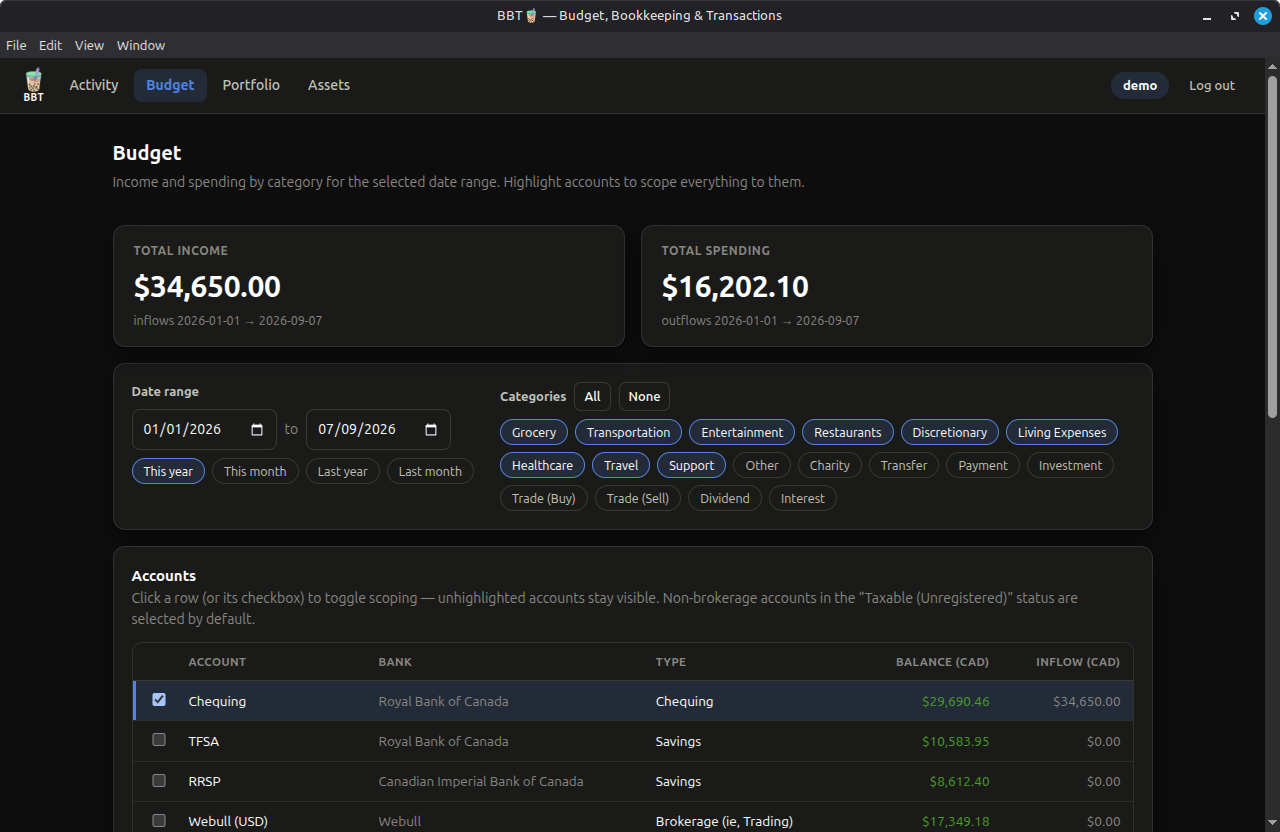
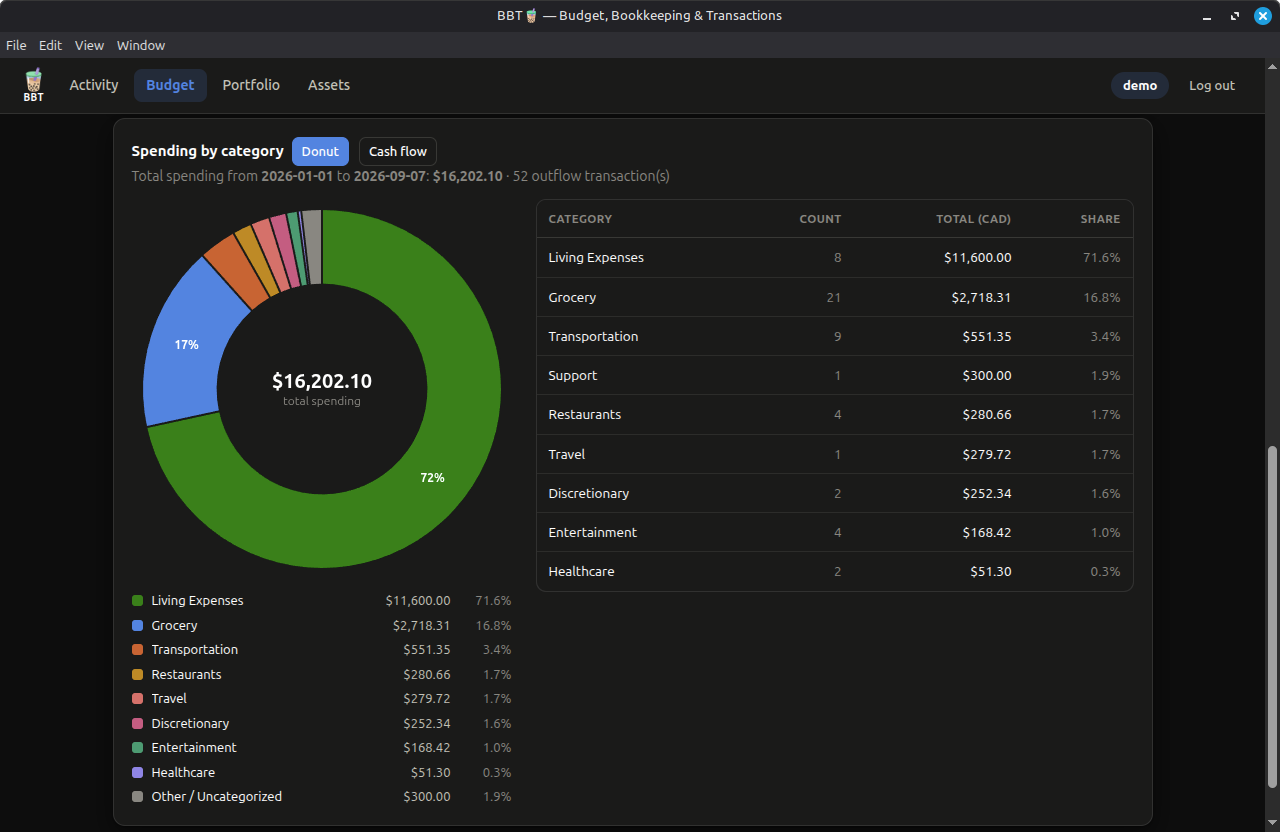
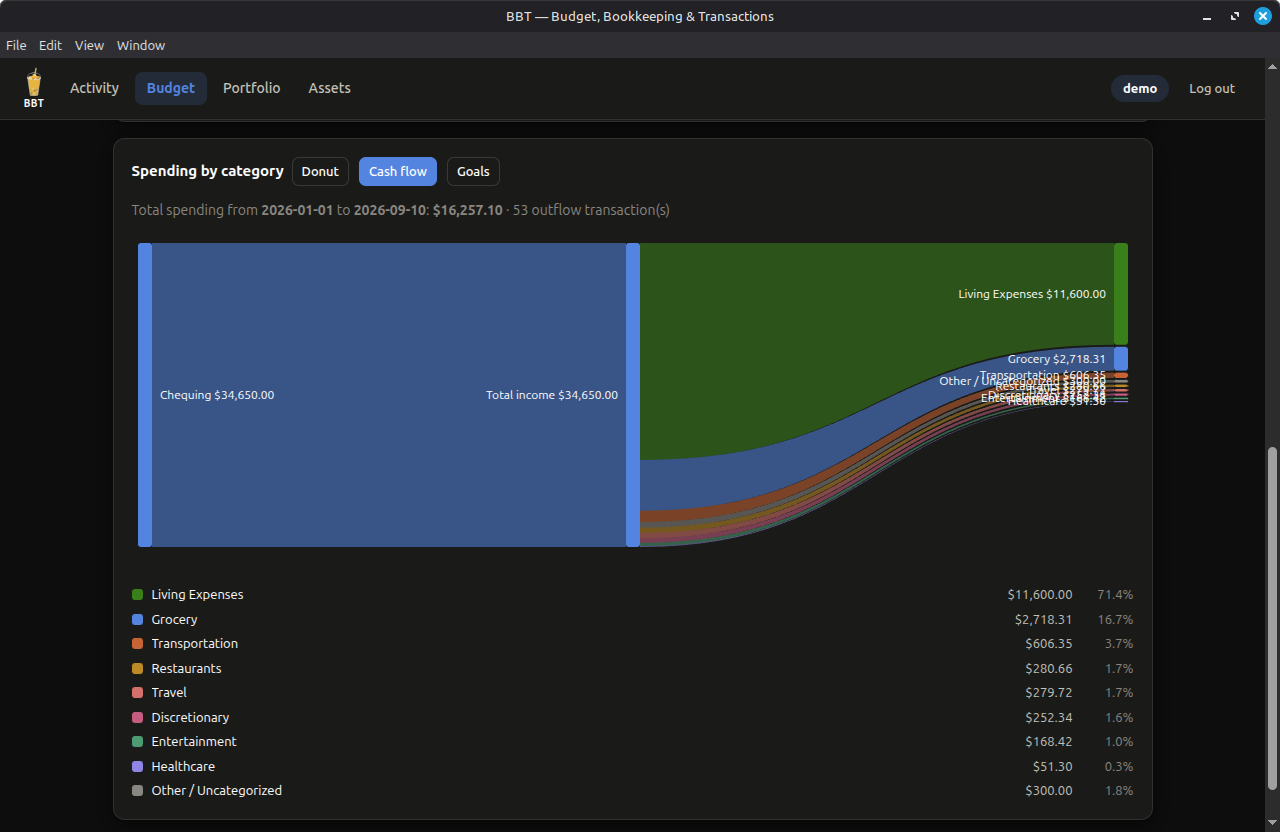
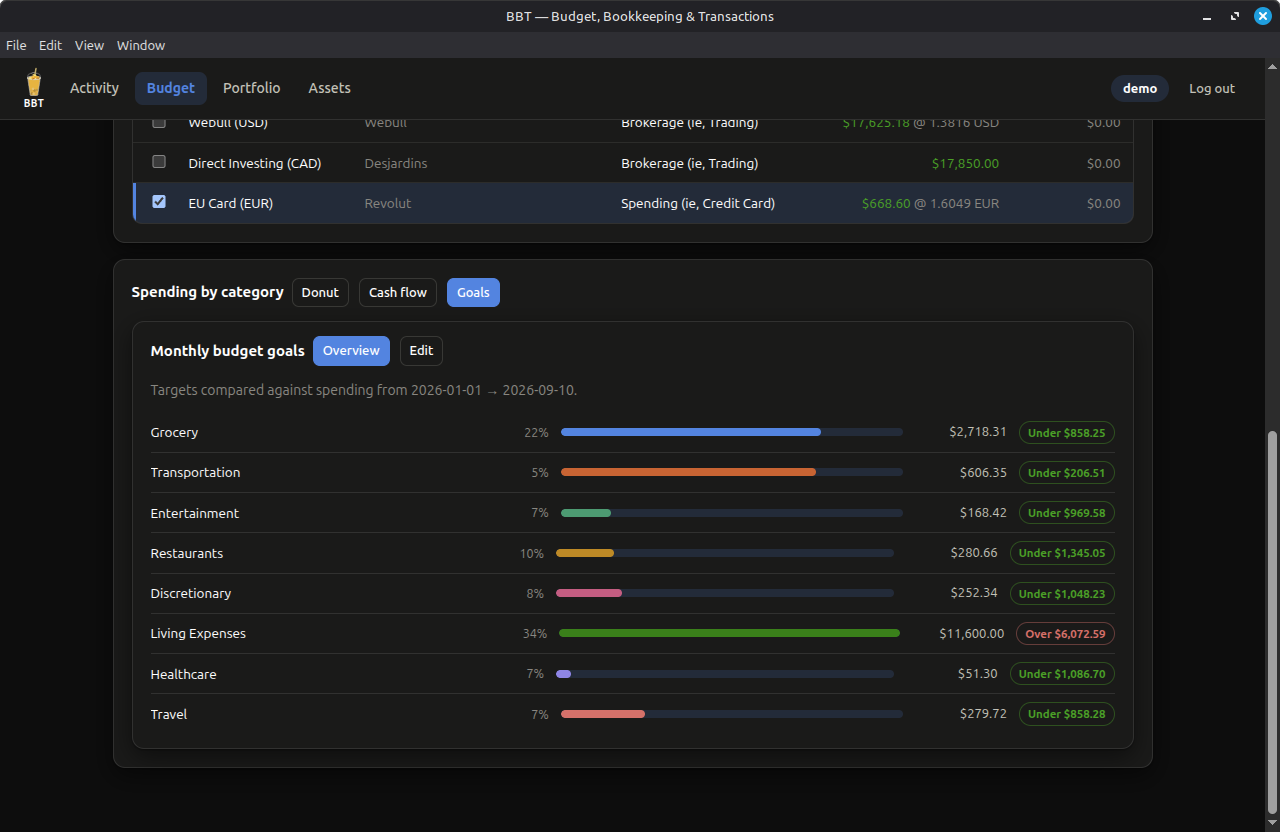
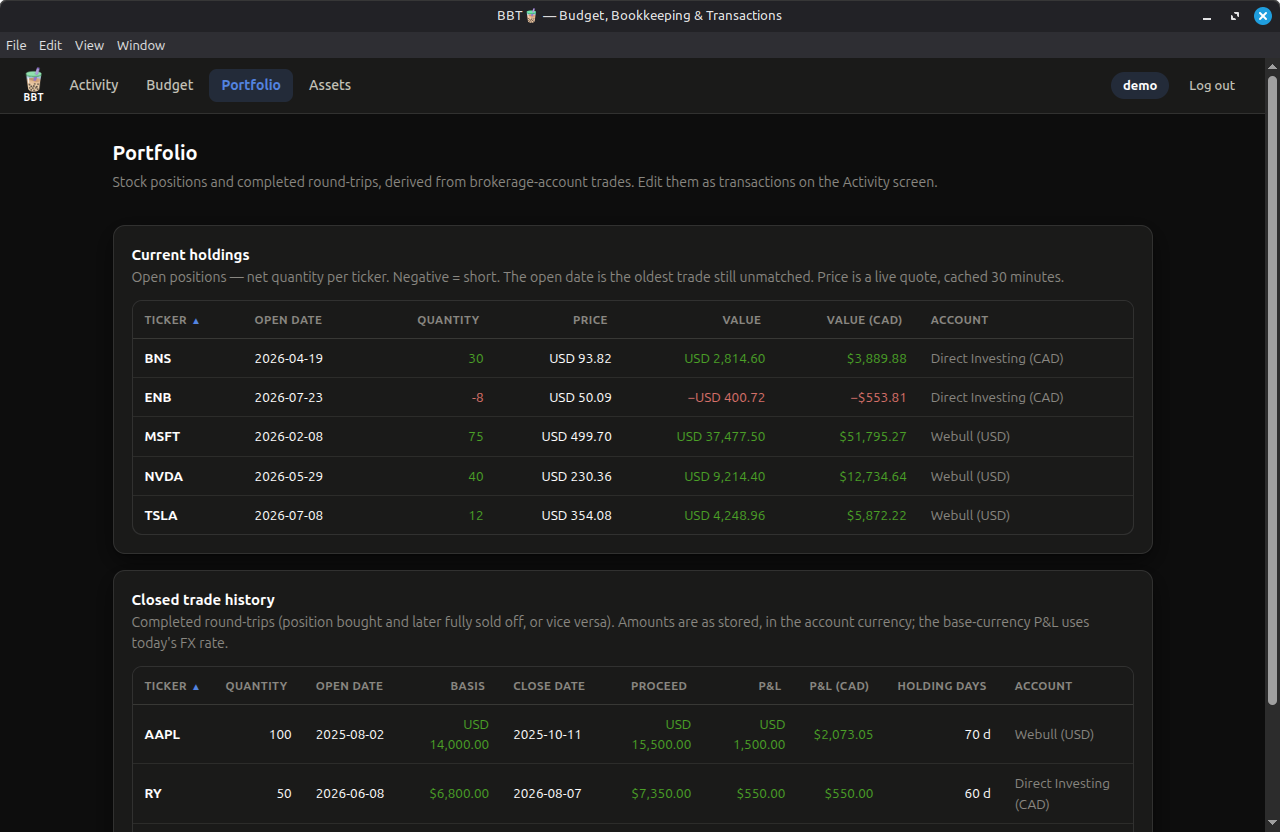
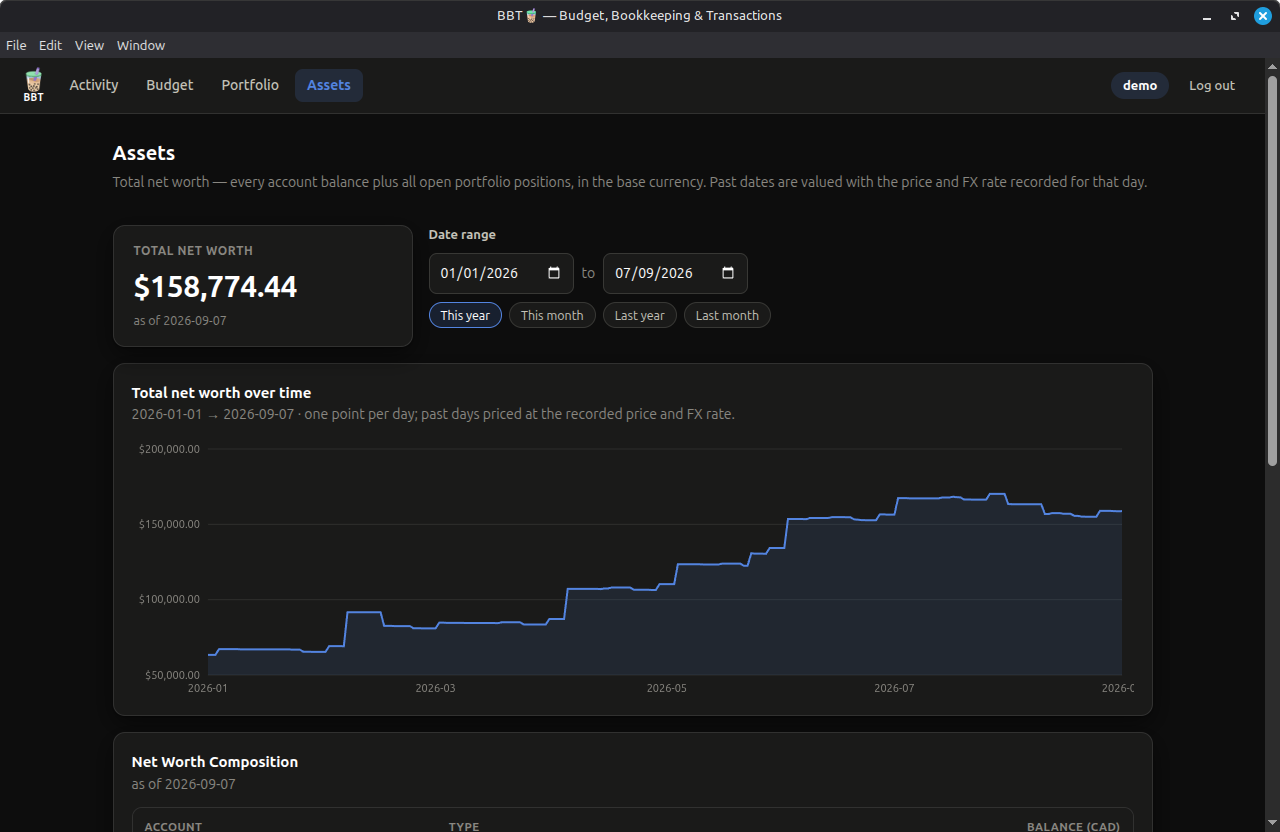
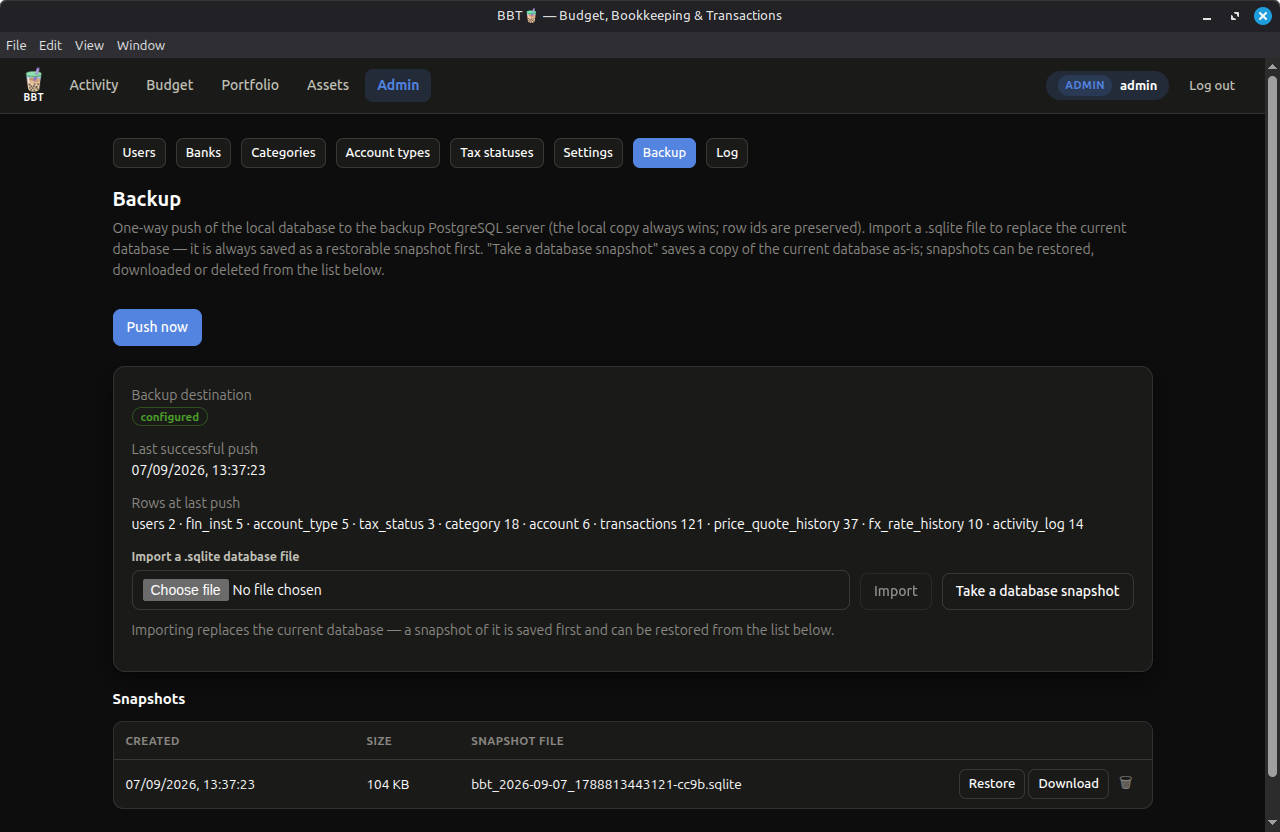
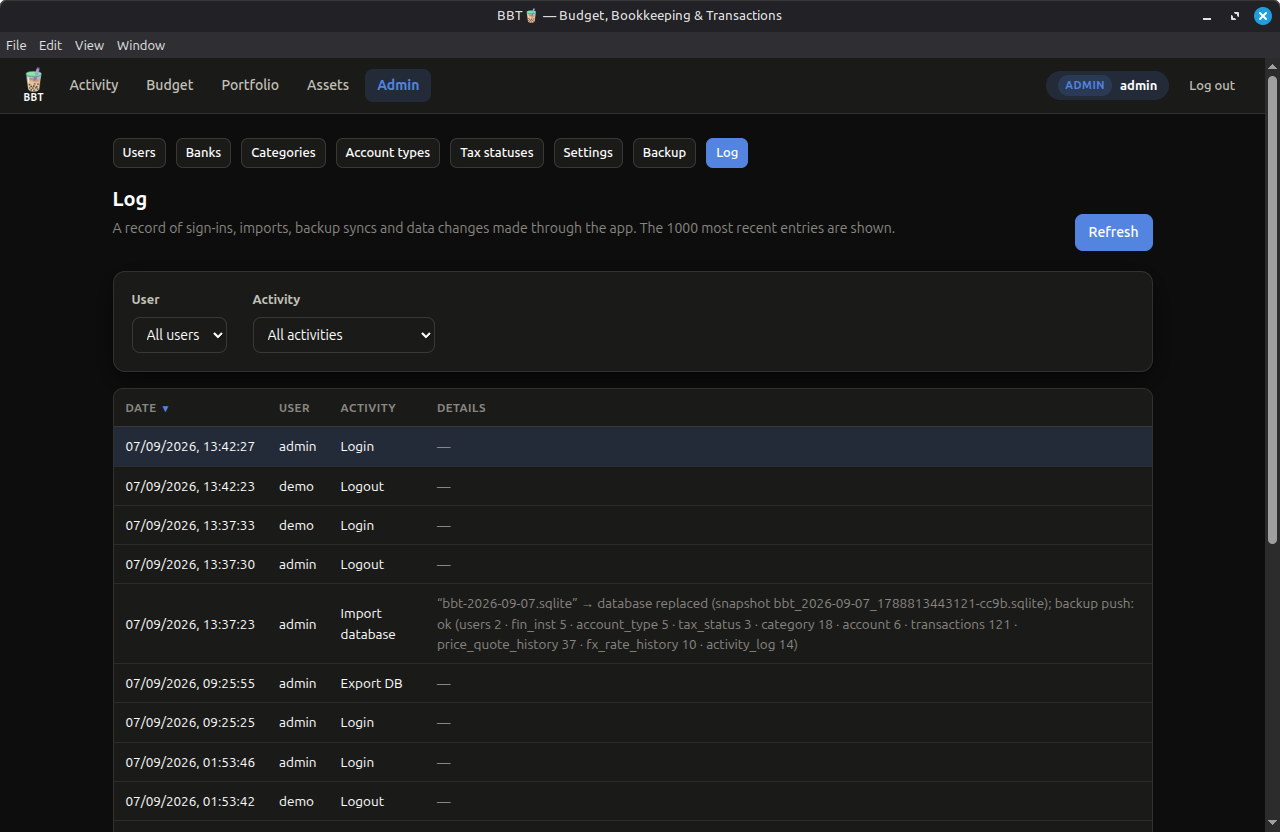
Same app, three ways. Local-first every time.
The default. Host on your own server, runs in your browser on localhost — fully offline, no dependencies on your machine beyond Node ≥18.
A packaged desktop app (MSIX). Install it and go — no Node needed on the end user's machine.
The same web app packaged with Electron into a standalone app — AppImage for Linux, DMG for macOS.
Open source under GPL-3.0. Inspect every line, run it your way.
          # 1. Get the repo
          git clone https://codeberg.org/MangoTapioca/BBT.git
          cd BBT

          # 2. Install & configure (SESSION_SECRET is required)
          npm install
          cp .env.example .env
          # edit .env → set SESSION_SECRET, ADMIN_PASSWORD

          # 3. Initialize the database & run
          npm run setup
          npm start          # → http://localhost:3000
Answers to common questions about storage, privacy and imports.
In the local SQLite file — the single source of truth. It is encrypted at rest. The optional backup PostgreSQL is just a one-way copy.
~/.config/BBT for Linux %AppData%\BBT for Windows
Yes. The web app is fully offline and needs no account or server. PostgreSQL is only required if you want the optional backup database push or have an existing database for one-time migration.
The PDF statement import uses AI to extract transactions. It calls any OpenAI-compatible endpoint you configure in the Admin interface. Wiring up to a local AI endpoint (ie, llama-server, vLLM, sgLang) keeps all your data local, nothing is stored until you press “Import selected”.
No. CSV files are parsed entirely in the browser; only the rows you select for import preview are submitted as normal transaction rows.
The live database file and its snapshots are encrypted on disk (AES-256) with your SESSION_SECRET — opaque/obfuscated without the key. Portable exports add a passphrase layer (AES-256-GCM). Passwords are bcrypt-hashed.
A household, not a team — as many users as you like, but it's single-process/single-instance by design. Built for tax reporting and budget monitoring, including multi-currency and brokerage accounts.